 首页
首页  网站论坛圈子
 每日快讯New
 游戏下载
游戏下载




本游戏玩法总结
《废品机械师》提供 PC 单机游戏相关内容,免安装中文游戏的具体版本和资源说明请以下载区标注为准。
从玩法方向来看,《废品机械师》更接近动作冒险这一类,核心体验一般集中在战斗表现、探索推进和内容解锁上。如果你平时会关注动作单机、冒险流程类游戏或战斗探索型作品,本游戏通常也属于这一方向。 同时,本游戏也兼顾模拟经营方向,通常会涉及资源调度、经营规划或持续养成这类内容。
关于此游戏
Scrap Mechanic is a unique multiplayer survival sandbox adventure with a ground breaking building system and physics!
Tool up and enter the creative paradise of Scrap Mechanic! Build fantastic machines, go on a full story survival adventure with your friends in this imaginative multiplayer survival sandbox. With Scrap Mechanic’s powerful creation tools you can engineer your own adventures!
‘Be a robot maintenance mechanic’, they said. ‘Easy money’, they said. We’re pretty sure the job description didn’t mention crash landing on a far away planet, with thousands of crazed worker robots out for blood! You’re stranded on a faraway agriculture planet where the Farmbots working the fields have gone haywire.
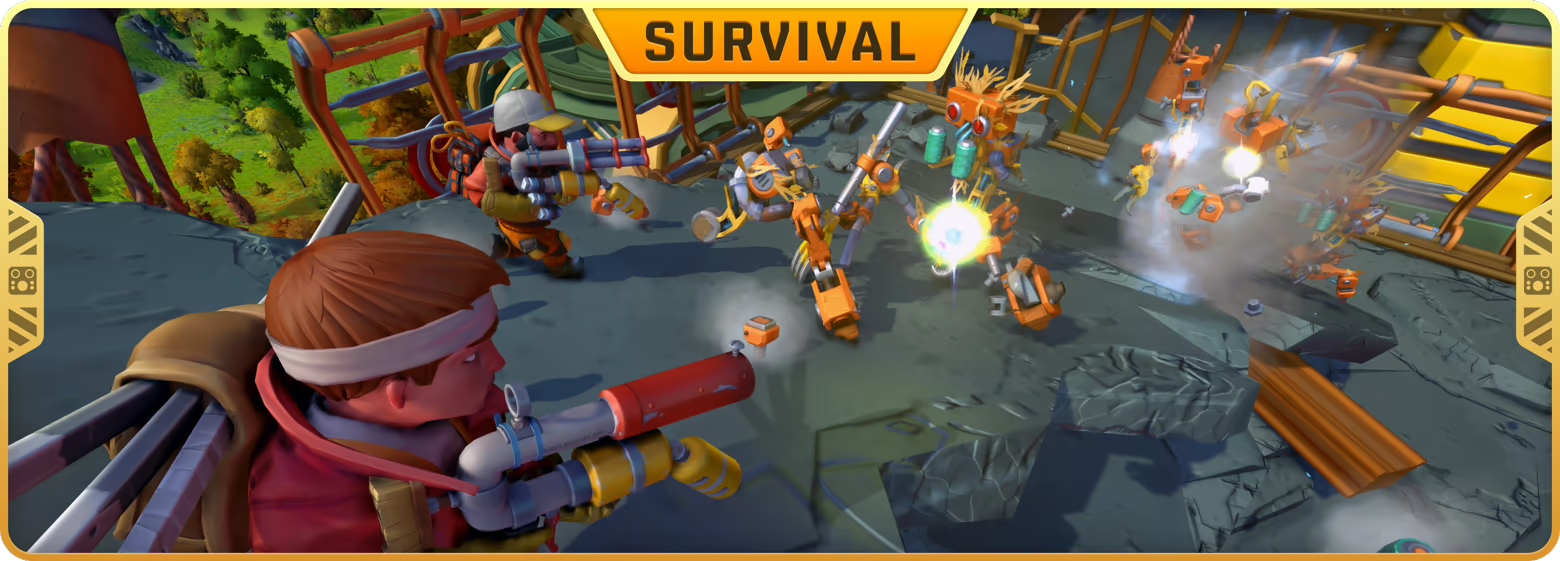
SURVIVAL MODE
In Survival Mode, players get thrown into an epic full story experience! Explore a dynamically generated open-world environment filled with enemies, treasure and dangerous robots! Team up with friends and build vehicles and bases to protect yourself and your valuables. All while uncovering the planet’s dark secrets in a journey to the planet’s core.
Surviving – Stay Alive, Stay Creative
Something has gone terribly wrong on this distant agricultural planet. With your tool belt tightly fastened, survival relies entirely on your quick thinking, creativity, and a clever knack for turning your surroundings to your advantage.
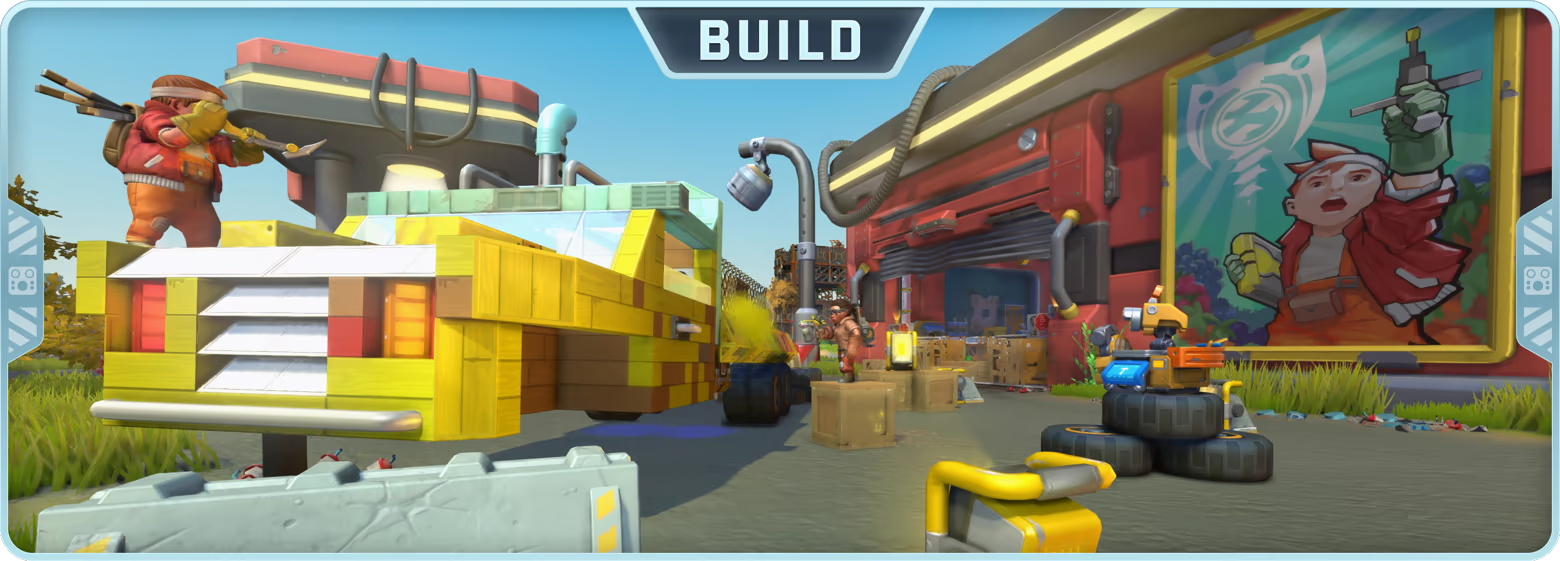
Building – From Scrap to Masterpiece
With Scrap Mechanic’s powerful creation tools, the possibilities are limitless! Build incredible vehicles for exploration, design automated machines, or construct a secure home to keep your valuables safe.
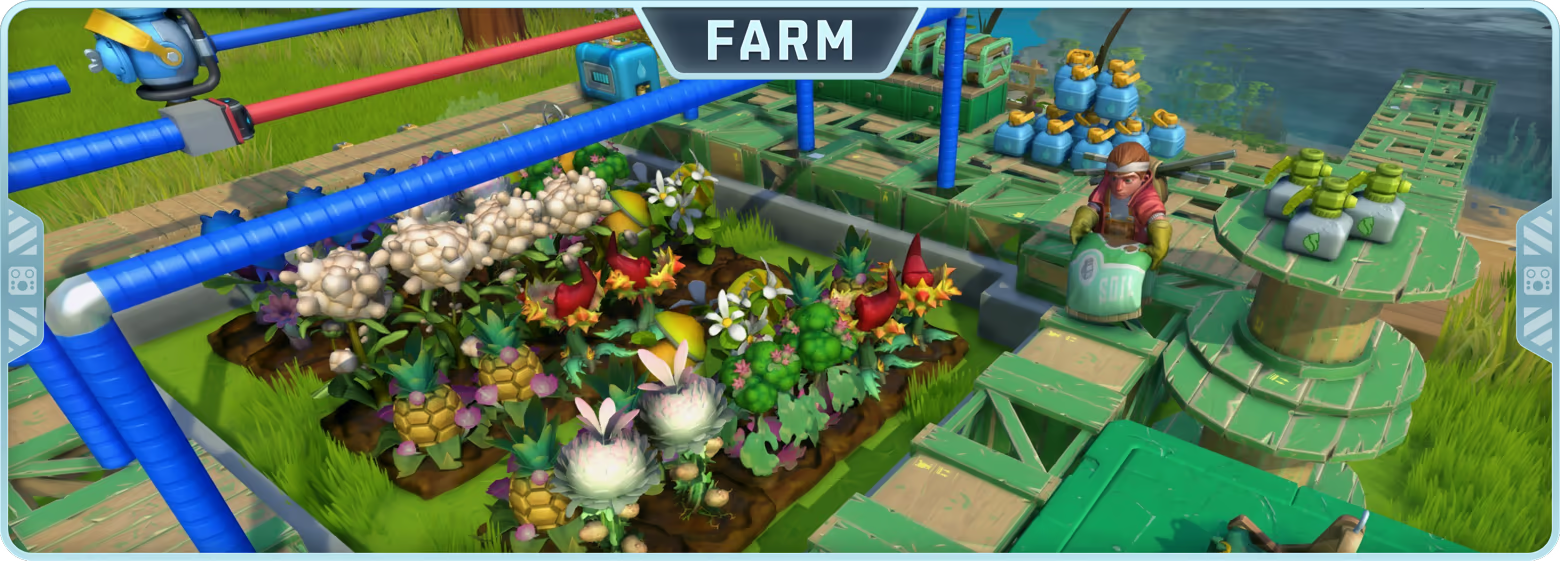
Farming – Produce of Opportunity
Cultivate, water, and defend your crops. Establish grand farms to harvest materials for your ammunition, advanced crafting recipes, and epic rewards, unless you prefer to keep them as a quick snack!
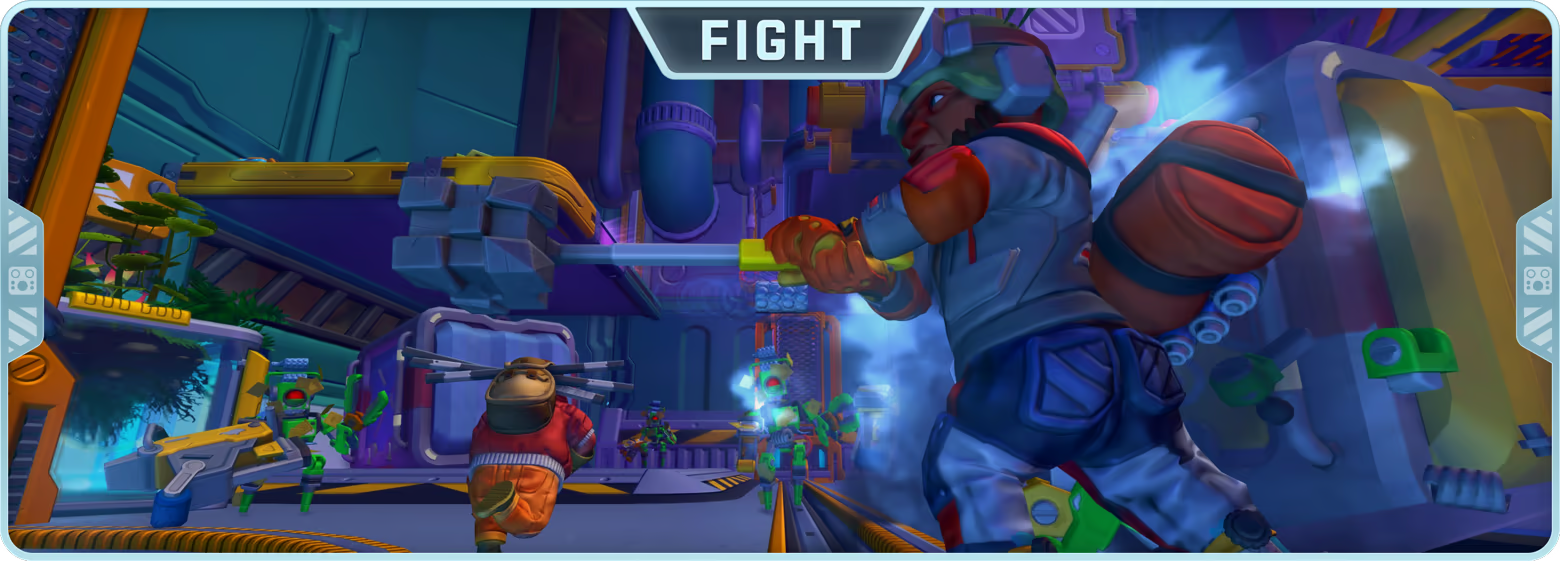
Fighting – Ammo from the Garden
A wild and dangerous world awaits, teeming with haywire robots. Prepare for dynamic encounters where you can test your mechanical creations in thrilling, inventive combat scenarios. Above all, keep your Spudgun at the ready!
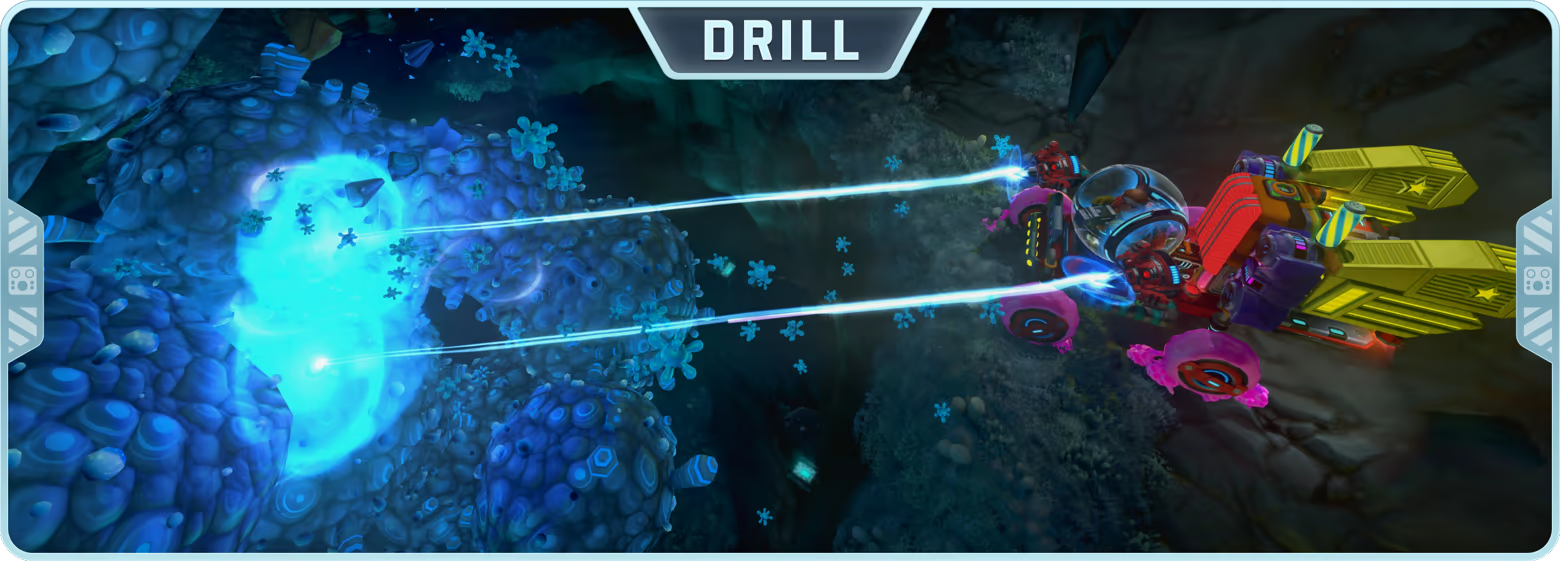
Digging – Uncover the Unexpected
Discover the underground world at the abandoned mine. Attach drills to your creation and dig for treasure and secrets down to the planet’s boiling core!
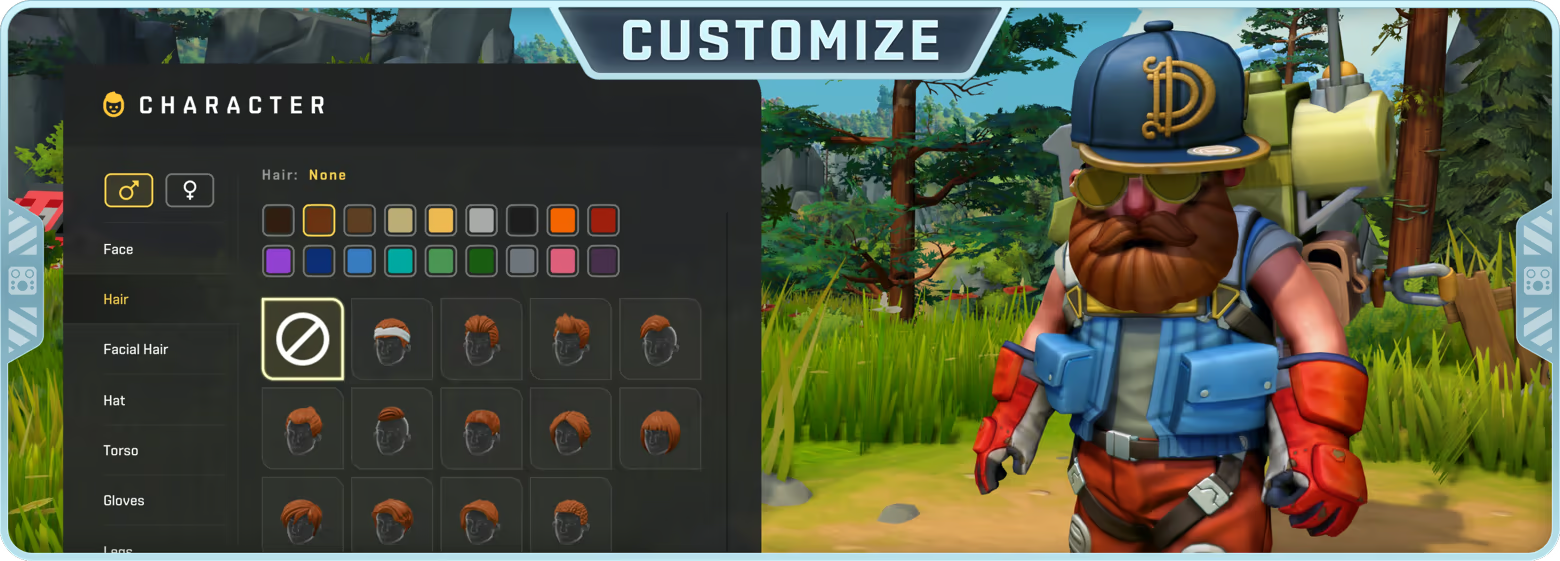
Character Customization – Drip meets Duct Tape
Dress your Mechanics and mix and match clothing pieces to create your unique look. Unlock new gear by completing missions, visiting vendors, or finding hidden garment boxes across the world, some much rarer than others.
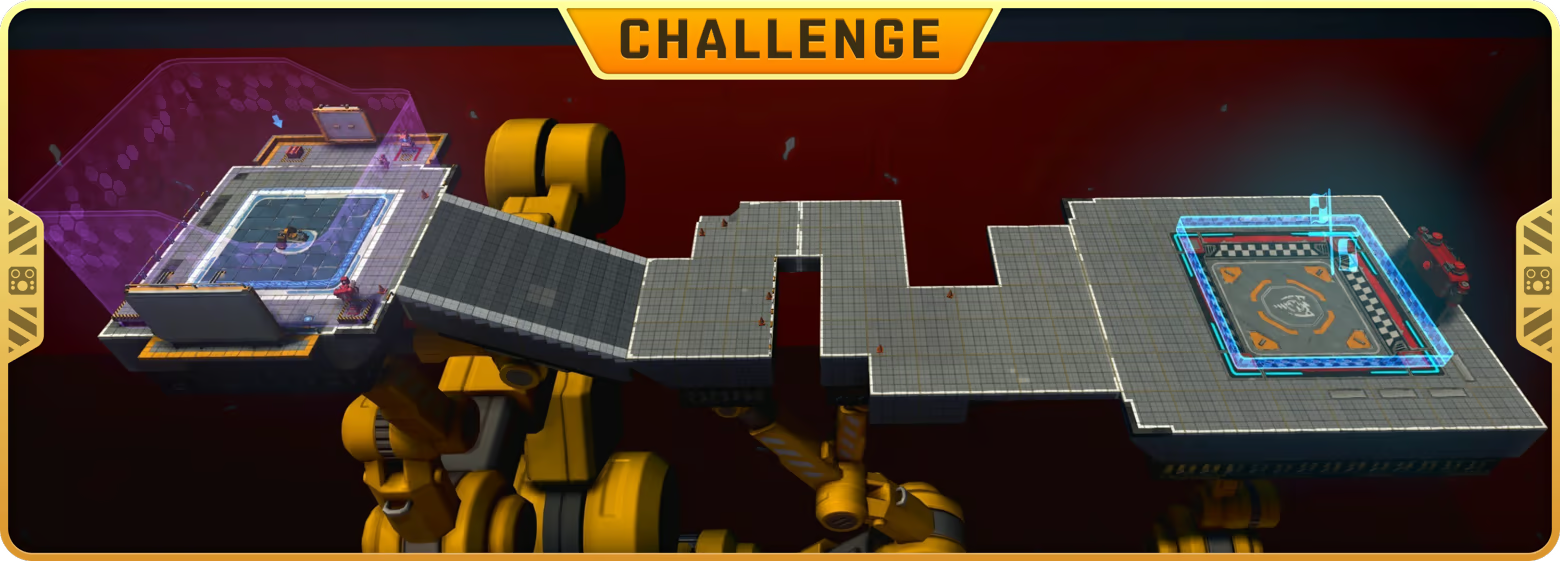
CHALLENGE MODE
Put your imagination to the test in the Master Mechanic Trials, an amazing roster of 40 fun and testing challenges which every wannabe mechanic should master before embarking on the wide-open world. Plus create your own challenges and share them with friends!
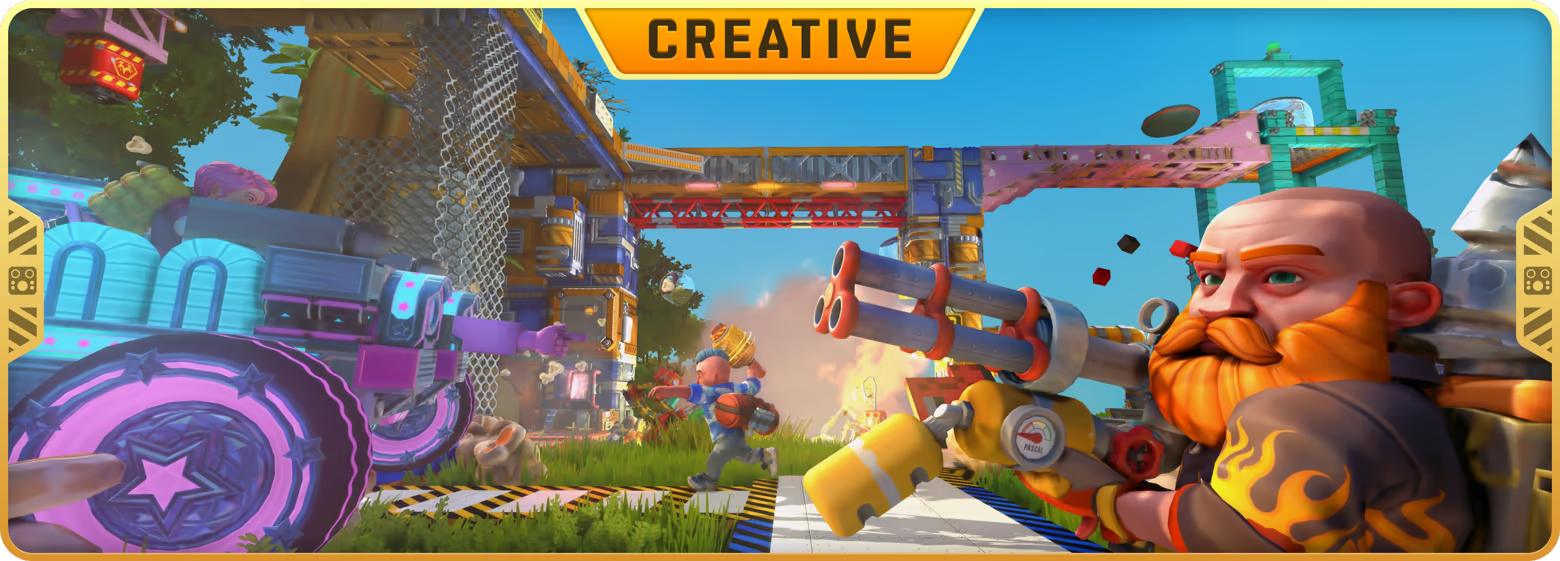
CREATIVE MODE
Choose from over 400+ building parts and create a transforming vehicle, a walking house or anything you and your friends can imagine! Scrap Mechanic mod support offers an easy way to download over 1000+ new player made building parts for your creations!
游戏介绍
欢迎来到《废品机械师》的创意天堂!在这个充满想象力的多人在线生存沙盒游戏中,你可以建造奇妙的机器,与好友一起冒险,抵御一波又一波邪恶的农场机器人。借助《废品机械师》强大的创造工具,你可以打造属于你自己的冒险之旅!
游戏视频
游戏截图
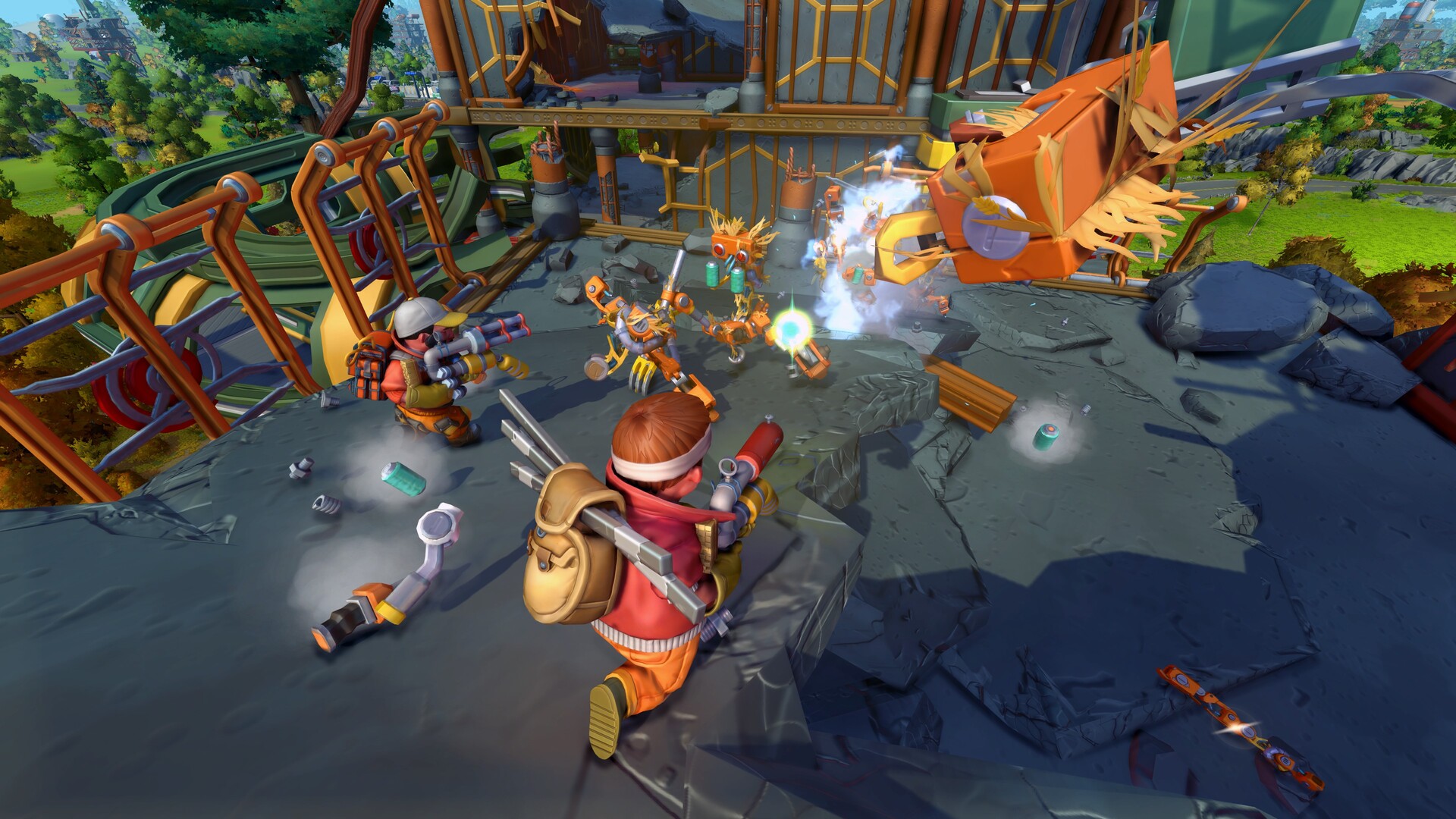
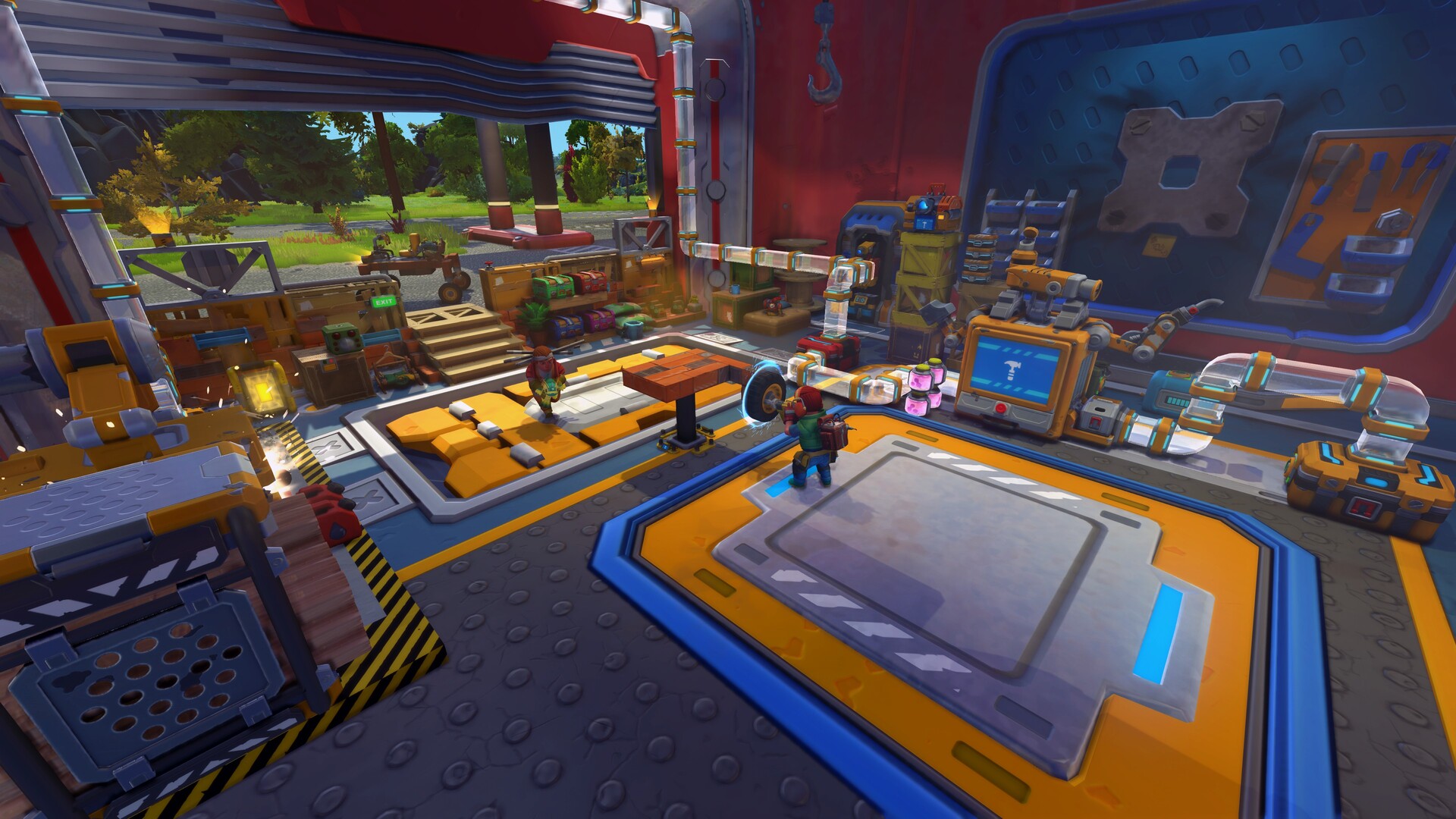
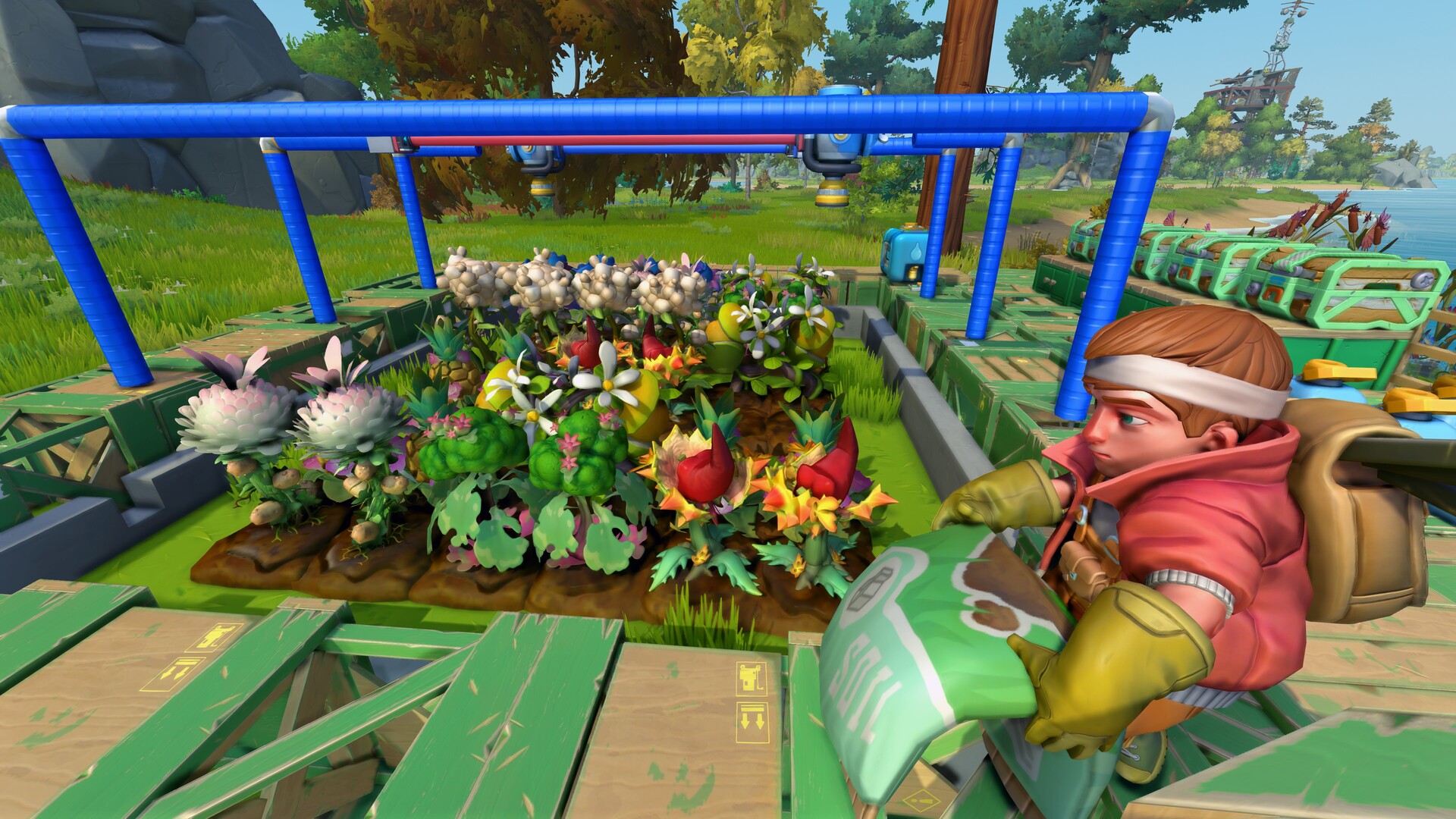
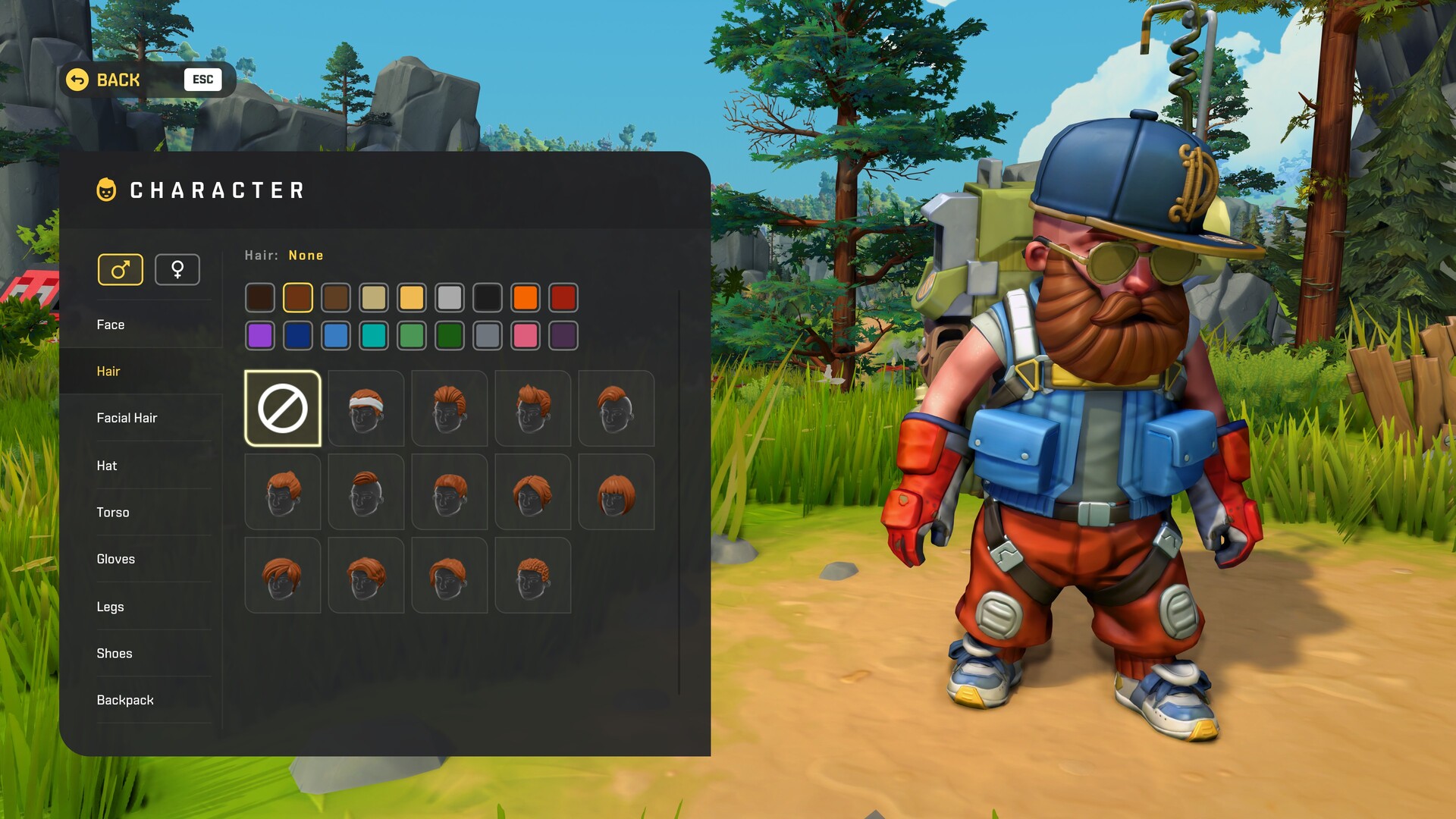
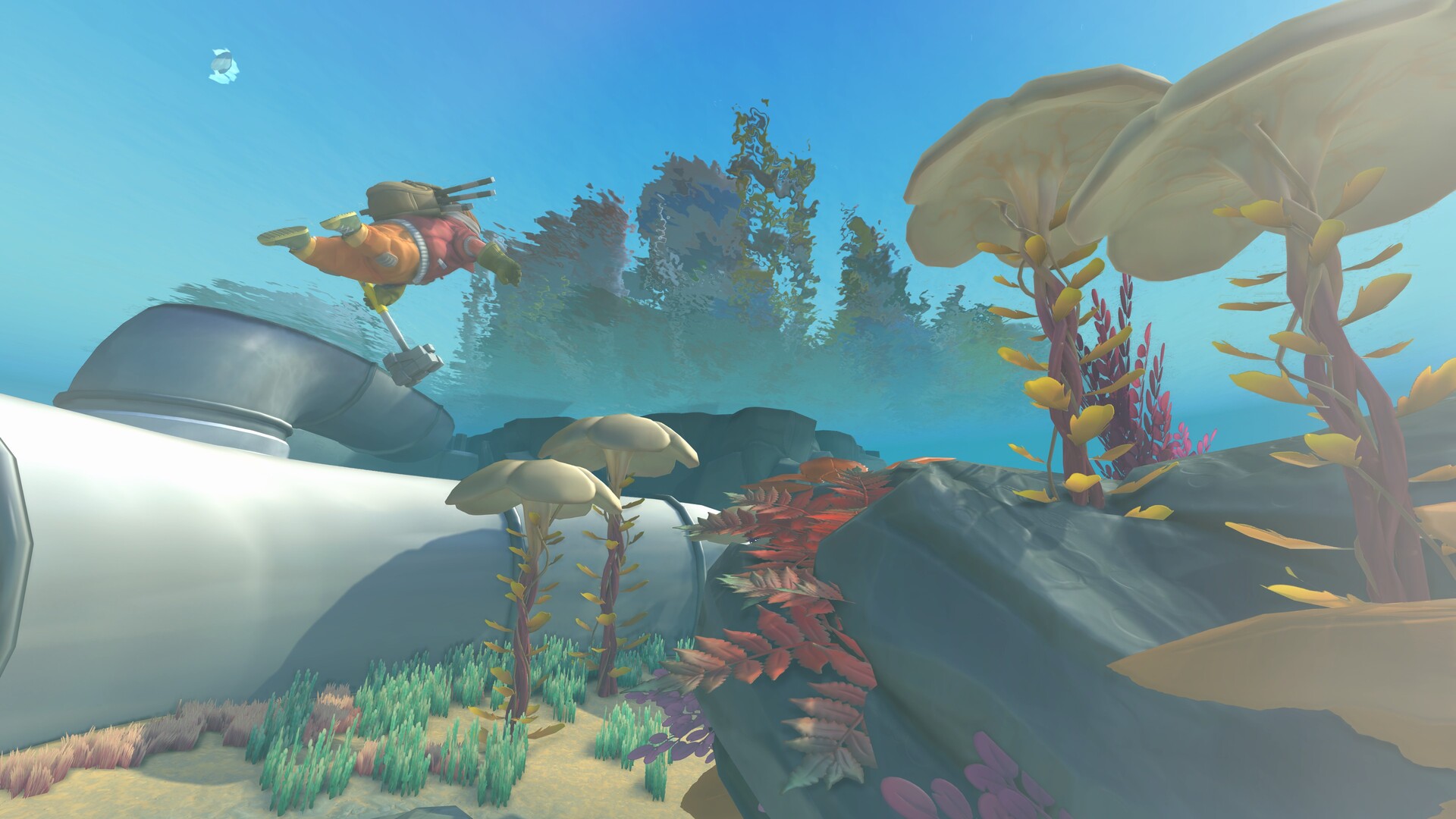
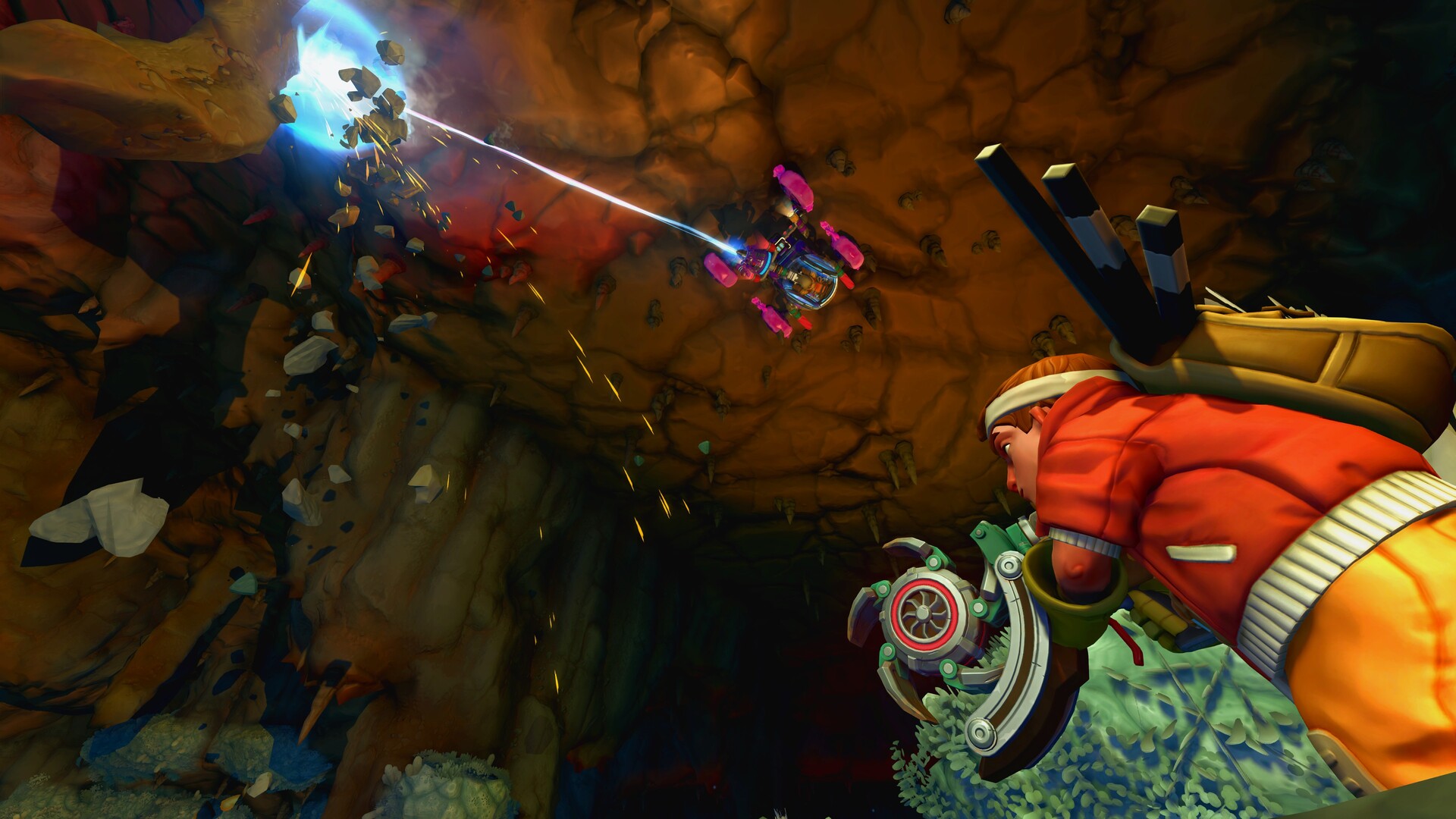
如何联机
如何启动:
1. 启动 Steam 并登录您的 Steam 账号。
2. 通过 Release\ScrapMechanic.exe 启动游戏。
游戏内:
连接:
接受好友邀请。
创建服务器:
开始游戏 → 创意模式 → 创建 → ESC → 邀请好友 → 邀请好友并等待他们连接。
游戏版本信息
v1.0.5联机版|容量19.36GB|官方简体中文|支持键盘.鼠标
安装与解压说明
如果你下载的是《废品机械师》相关资源,建议先确认压缩包是否完整,再使用常见解压工具统一解压。尽量不要直接在压缩包内运行程序,解压路径建议使用纯英文文件夹,并放在磁盘空间充足的位置,避免因路径过长、目录权限不足或文件不完整导致无法正常启动。如果你对压缩包解压步骤不太熟悉,也可以先参考 游戏手动解压安装教程。
游戏打不开怎么处理
如果《废品机械师》解压后无法运行,可以优先检查安全软件是否误拦截、运行库是否缺失、显卡驱动是否过旧、系统版本是否低于要求,以及是否直接从压缩包内部启动。部分作品首次运行时,也可以尝试右键以管理员身份启动主程序。如果是提示缺少组件、dll 报错或启动环境异常,也可以先参考 游戏常用运行库合集 补全常见运行环境。
常见问题补充
进入游戏后如果出现黑屏、闪退、报错、无响应、缺少 dll、手柄无效、没有声音或存档异常等情况,通常和系统环境、驱动版本、运行组件、解压完整度或目录权限有关。围绕《废品机械师》,玩家通常也会继续搜索中文版、免安装版、配置要求、中文设置、解压方法和闪退处理等相关内容。如果你还需要配合修改器使用,也可以看看 WeMod 超8000+单机游戏最新修改器 的使用说明。
部分黑屏、闪退或缺少组件提示,并不一定是资源本身问题,更多时候和驱动、运行库或安全软件拦截有关。