 首页
首页  网站论坛圈子
 每日快讯New
 游戏下载
游戏下载

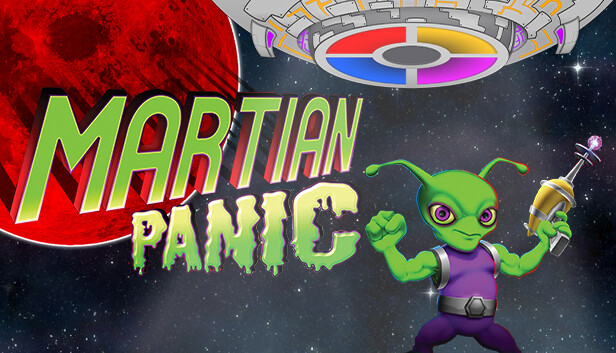


本游戏玩法总结
本页整理《火星人的恐慌》的单机游戏下载信息,安装方式、版本内容及相关说明以页面资源为准。
《火星人的恐慌》更适合偏轻松向的游玩节奏,核心体验一般落在上手门槛、内容解锁、解压流程和持续收集反馈上。对于喜欢休闲益智、轻松闯关和低压力单机作品的玩家来说,这类题材通常更容易长期游玩。
关于此游戏
The Martians are coming and it’s up to you (and your friends) to stop them!
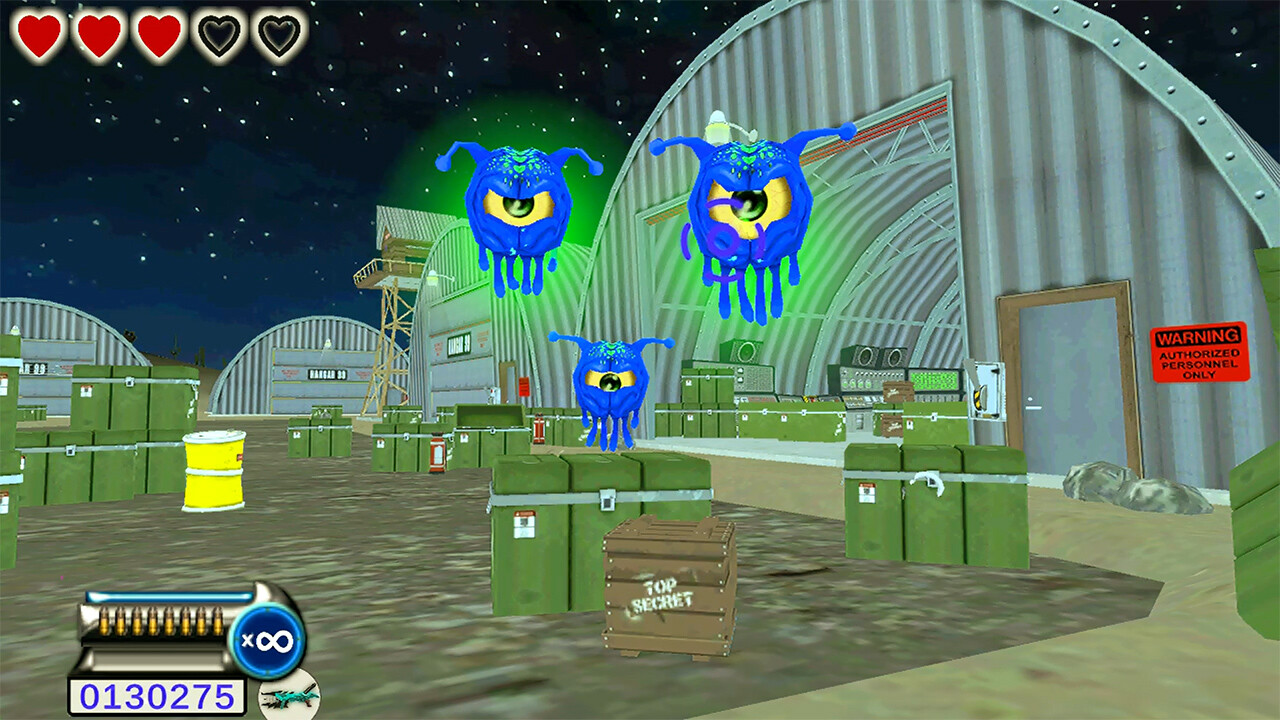
Battle a horde of loony Martian invaders in this on-rail shooter game. Packed with non-stop action, players will use a range of powerful weapons against a gang of colorful and comical enemy invaders. Collect powerups and rescue helpless civilians to get high scores and earn achievements.
INCLUDES Online Leaderboards
Visit a range of iconic locales from the drive-in movie theatre to the Great Pyramids of Giza.
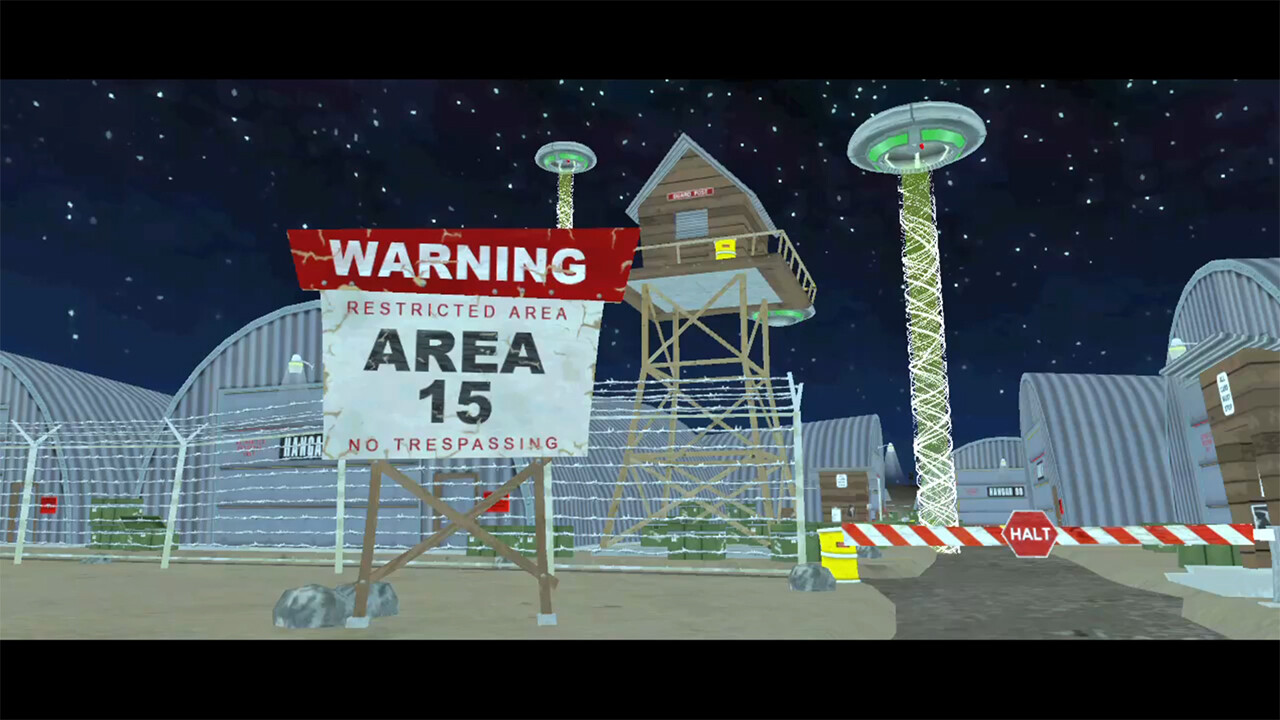
Everything in the game is rendered in colorful comic book style with a retro 50’s science fiction vibe.
KEY SELLING POINTS
• 8 levels packed with colorful cutscenes and intense arcade action.
• 10 unique enemy types.
• 6 different weapons.
• 5 different powerup types to spice up the action.
• Cutscenes and Cinematic Movies (Each level contains a series of mini cutscenes which convey the storyline and give players a chance to rest between the action. These cutscenes are humorous and make use of in-game characters and effects).
• Multiple difficulty levels, achievements and a funny and engaging storyline filled with colourful characters, along with online leaderboards, increases the replay value and makes Martian Panic a great choice for anyone
游戏介绍
在这个轨道上的射击游戏中,与一群疯狂的火星入侵者作战。游戏中充满了不间断的行动,玩家将使用一系列强大的武器来对付一帮五颜六色、滑稽可笑的敌人入侵者。收集电源和拯救无助的平民,以获得高分和获得成就。
游戏视频
游戏截图
游戏版本信息
v1.0.0|容量868MB|官方繁体中文|支持键盘.鼠标
安装与解压说明
如果你下载的是《火星人的恐慌》相关资源,建议先确认压缩包是否完整,再使用常见解压工具统一解压。尽量不要直接在压缩包内运行程序,解压路径建议使用纯英文文件夹,并放在磁盘空间充足的位置,避免因路径过长、目录权限不足或文件不完整导致无法正常启动。如果你对压缩包解压步骤不太熟悉,也可以先参考 游戏手动解压安装教程。
游戏打不开怎么处理
如果《火星人的恐慌》解压后无法运行,可以优先检查安全软件是否误拦截、运行库是否缺失、显卡驱动是否过旧、系统版本是否低于要求,以及是否直接从压缩包内部启动。部分作品首次运行时,也可以尝试右键以管理员身份启动主程序。如果是提示缺少组件、dll 报错或启动环境异常,也可以先参考 游戏常用运行库合集 补全常见运行环境。
常见问题补充
进入游戏后如果出现黑屏、闪退、报错、无响应、缺少 dll、手柄无效、没有声音或存档异常等情况,通常和系统环境、驱动版本、运行组件、解压完整度或目录权限有关。围绕《火星人的恐慌》,玩家通常也会继续搜索中文版、免安装版、配置要求、中文设置、解压方法和闪退处理等相关内容。如果你还需要配合修改器使用,也可以看看 WeMod 超8000+单机游戏最新修改器 的使用说明。
对于体积较大的单机资源,下载完成后先确认压缩包数量、解压路径和磁盘空间,通常能减少大部分基础报错。